How to make video ads in Claude and ChatGPT
Claude and ChatGPT can hand you a finished video ad once you connect an MCP server that makes one, and connecting ours takes one pasted address.
Ask Claude or ChatGPT for a video ad today and you get a script, a shot list and good advice. You do not get a video. Both assistants write; neither one films, cuts or voices a 9:16 ad on its own.
That changes the moment the assistant can call a tool that does. Go Rocket now runs an MCP server, so you can ask for an AI-generated User Generated Content (UGC) ad, the kind where a person talks to the camera about a product, without leaving the chat. This post explains what that means, how to connect it in about a minute, and what happens after you ask.
Can Claude or ChatGPT make a video ad?
Yes, once you connect a tool that makes video. On their own, Claude and ChatGPT produce text and images, so a request for a video ad ends with a script you still have to film.
Both assistants can now call outside tools through connectors. A connector is a small server the assistant talks to: it sends a request, the server does the work, and the answer comes back into the chat. Connect a video tool and the same sentence, "make me a video ad for my site", ends with a sample of the ad instead of a script.
That is what we built. You name your website, the assistant asks Go Rocket, and you see what your ad will look like before you pay anything.
The ad itself is the kind founders usually pay a creator for: a photoreal presenter who talks to the camera about your product for 15 seconds, in portrait format for TikTok, Reels and Shorts. The assistant does the asking, and we do the reading, the writing, the voice and the render. You stay in the conversation you were already having, whether that was about your launch plan, your landing page copy or your first ad budget.
What is an MCP server?
An MCP server is a tool an AI assistant can call, built to the Model Context Protocol. Anthropic published the protocol as an open standard on 25 November 2024, and ChatGPT, Claude, Cursor and many others now speak it.
The point of a standard is that one server works everywhere. We wrote one server, and it plugs into Claude on the web and desktop, into Claude Code in a terminal, into Cursor, and into ChatGPT in developer mode. Each app calls the same three tools: one that reads your page and returns a sample, one that checks whether the sample is ready, and one that returns the checkout link.
You never see the tools by name. You ask in plain words, and the assistant decides which one to call.
Hey there :) clicking this would help us so much!
How do you connect it to your assistant?
You paste one address, https://www.go-rocket.ai/mcp/, into your assistant's connector settings. There is no account to create and no key to copy.
In Claude, open Customize, then Connectors, choose Add custom connector and paste the address. Custom connectors work on every Claude plan, according to Anthropic's own guide. In ChatGPT, turn on Developer mode under Settings, then create an app under Plugins with the same address and No Authentication. OpenAI's developer docs list that mode for paid plans on the web. In Claude Code it is one command, and in Cursor it is three lines of JSON.
Our setup page has each version with a copy button, in 21 languages. Menus move now and then, so every tab there links the vendor's own guide as well.
What happens after you ask for the video?
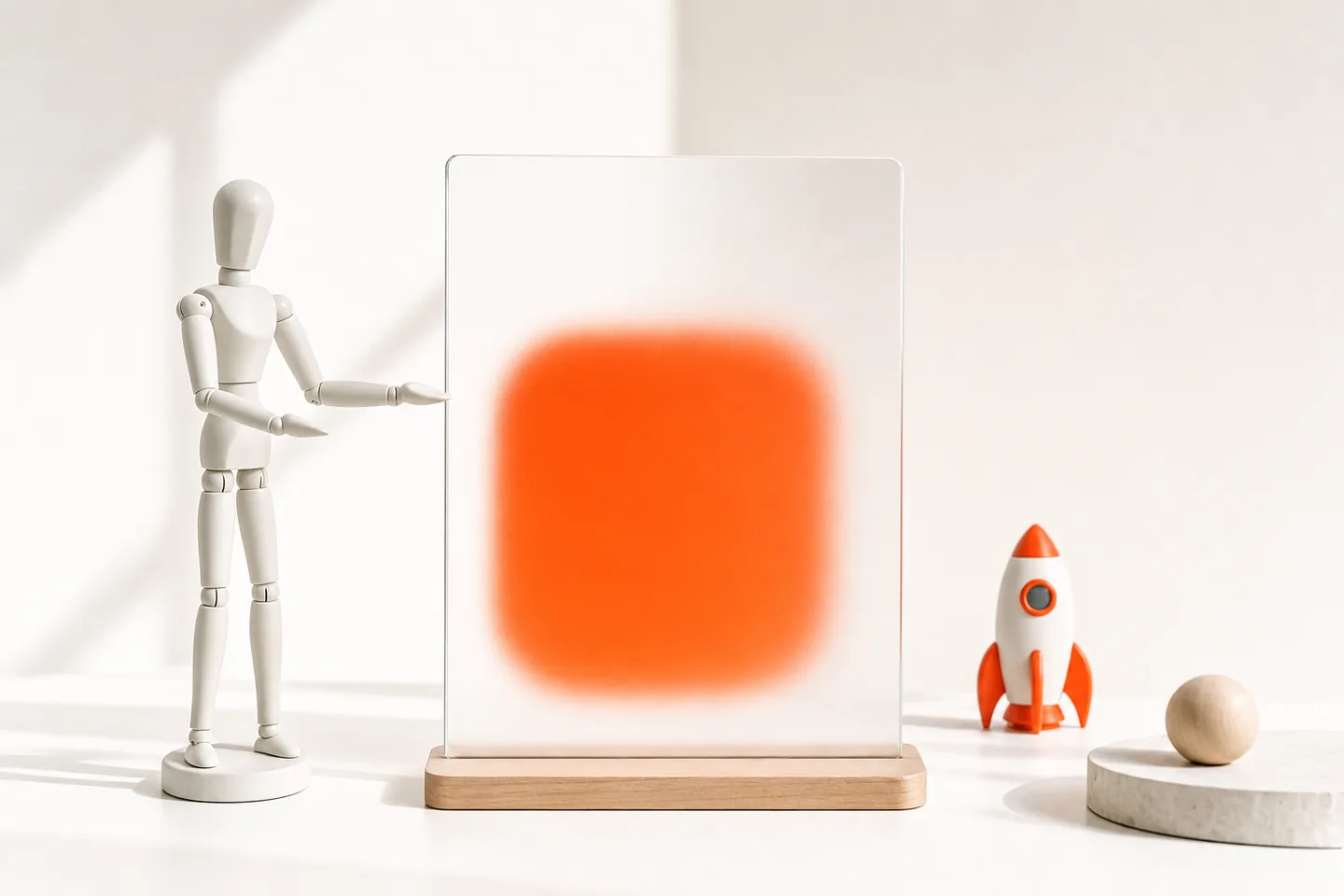
You get a blurred sample first, then a checkout link, and only opening that link charges anything. The sample takes about 20 to 40 seconds while we read your page.
The sample is honest about what it is: a stored clip from our library, tinted in your brand colour and blurred. We generate nothing before you pay, so asking never charges you. When you like what you see, the assistant hands you the link for your first video at $9, one time, with no account needed.
After payment you pick the presenter, the message and one of 21 languages. The finished video is ready in about 15 minutes, and a failed generation is refunded automatically. If you want more after that, our guide to UGC ads covers how brands use them.
What should you ask for?
Ask for a video ad and name the exact page you want advertised. The page matters more than the wording, because we read it for your product, your claims and your colours.
Three requests that work well:
- "Make me a Go Rocket video ad for https://yoursite.com"
- "Show me a video ad sample for our pricing page, https://yoursite.com/pricing"
- "I launch next week. Get me a Go Rocket ad for https://yoursite.com and the checkout link."
Point it at a product page rather than a blog post or a login screen. A page that says what you sell, who it is for and what it costs gives the presenter something real to talk about. If the page cannot be read, for example because it sits behind a login, the assistant tells you so and there is nothing to buy. You can try another URL straight away, and a new sample is ready in under a minute. Keep the chat open while it reads; the assistant checks back on its own and shows you the sample the moment it is ready.
Is it safe to connect an MCP server?
It is as safe as what the server can reach, and ours reaches very little. It reads the public web page you name and nothing else: no files, no email, no login, no payment details.
We still hardened it before telling anyone. Each caller has a daily limit, a burst of calls cannot hold the site hostage, and a checkout link only exists for a page we actually read. The link opens our normal Stripe checkout in your own browser, so the payment never passes through the chat.
The general rule for any MCP server holds here too: connect the ones whose makers you would trust with the same request on their website.
Why did we build for assistants first?
Because our first paying customer found us through a ChatGPT answer. Nobody clicked an ad; an assistant recommended us, and a founder followed the link.
If people already ask assistants which tool to use, the shortest path is to let the assistant use the tool. That is also why we skipped a public API for now. An API needs a developer; a connector needs a pasted address. For a founder with one landing page and no film crew, that difference decides whether the ad gets made this week or never!
It also fits how people work now. A founder who drafts a launch post with Claude, asks ChatGPT to check the pricing page and then opens five tabs to find a video tool loses the thread. Keeping the ad inside the same chat keeps the context: the assistant already knows the product and the audience, and it can pass the right page along.
For the wider picture of AI video ads, start with our guide to AI UGC. Or skip the reading and ask your assistant for your ad today!
FAQ
Claude cannot render video by itself, free or paid. With the Go Rocket connector you see a blurred sample first, and the first finished video costs $9.
ChatGPT writes ad scripts but does not film them on its own. Connected to an MCP server like Go Rocket in developer mode, it can return a sample and a checkout link for a finished 9:16 ad.
An MCP server gives an AI assistant a tool it can call, such as reading a database or making a video. The assistant sends a request, the server does the work, and the result comes back into the chat.
Run claude mcp add with the transport set to http, a name and the server address. For Go Rocket that is claude mcp add --transport http go-rocket https://www.go-rocket.ai/mcp/
An MCP server is as secure as the access it has and the people who run it. Prefer servers that need no account and touch only public data, like one that reads a public web page.